How to turn off Google Health's Gemini -powered AI Coach
Users who find the AI health assistant too pushy or intrusive can hide it without losing their premium subscription.
How it works
A chat-style health assistant inside the Google Health app that suggests workouts, logs meals and answers wellness questions.
- Open the Google Health app
- Tap Profile photo then Your data
- Scroll to Feature privacy controls
- Turn off Google Health Coach
Guess
If you disable the Coach, do you lose your Premium subscription too?
Premium benefits like sleep summaries and cycle predictions remain active when the Coach is turned off.
How to switch it off
The easiest route used to be canceling your Google Health Premium entirely, since the AI Coach only appears with the paid plan 1. But Google released an update in August 2026 that gives Premium subscribers a way to keep all the other benefits — sleep summaries, Health Guardian, cycle predictions and nutrition tracking — while quietly stepping the Coach aside .
To disable it, open the Google Health app, tap your profile photo in the top-right corner, then select Your data in Google Health 1. Scroll down to Feature privacy controls, choose Manage feature privacy controls, pick Google Health Coach and hit Turn off . Another path is Profile photo > Google Health settings > Coaching > turn off Health Coach . A third option changes Coach messages on the Today screen from Standard to No Coach insights, which shows basic updates without any coaching notes .
If notifications are what's bothering you most, you can skip the full shut-down and go to Profile photo > Google Health settings > Push notifications, then turn Coaching off so you're only pinged when something truly important pops up 1.
What you lose when it's off
Turning the Coach off means no more personalized guidance, recommendations or summaries, which many users consider the main reason to subscribe to Premium — especially when paired with trackers like the Fitbit Edge 1. You also lose the Ask Coach button, which sits at the bottom-right of the app and lets you type questions about your health and wellness . Meal logging via photo becomes unavailable as well, though manual entry still works .
Your previous data stays safe and nothing is deleted 1. When you're ready to bring the Coach back, however, you cannot return to the same menu — you must tap the still-visible Ask Coach button at the bottom right and select Unlock Coach to restart the restoration process .
Why some people switch it on again
The AI Coach remembers your habits the more you use it, which makes it useful for logging exact weights during strength training, adjusting workouts around injuries, or snapping meal photos to track protein, carbs and fat intake 1. Google is careful to note that the Coach does not provide medical advice . Some users simply find the daily suggestions too repetitive — like reminders to do a 30-minute strength session and a light walk that they already follow — and prefer to silence those nudges instead of abandoning the feature entirely .
If you plan to live without the Coach for a long time, cancelling Premium and using the free Google Health tier may make more sense, provided you're willing to give up sleep scoring, Health Guardian and the other upgrades 1.
This story reports on a trend for information only. It is not advice or encouragement to do any of it.
Key facts
- Google added an August 2026 update letting Premium users turn off the AI Coach without canceling their subscription
- AI Coach is powered by Google's Gemini large language model
- Turning off the Coach disables the Ask Coach chat button and photo-based meal logging
- To re-enable the Coach, users must tap the Ask Coach button and select Unlock Coach — the original menu no longer works
Sources
- Don — engadget.com
Keep reading
 How it worksGoogle brings its Gemini chatbot app directly to Apple CarPlayHerald of AIHow it works
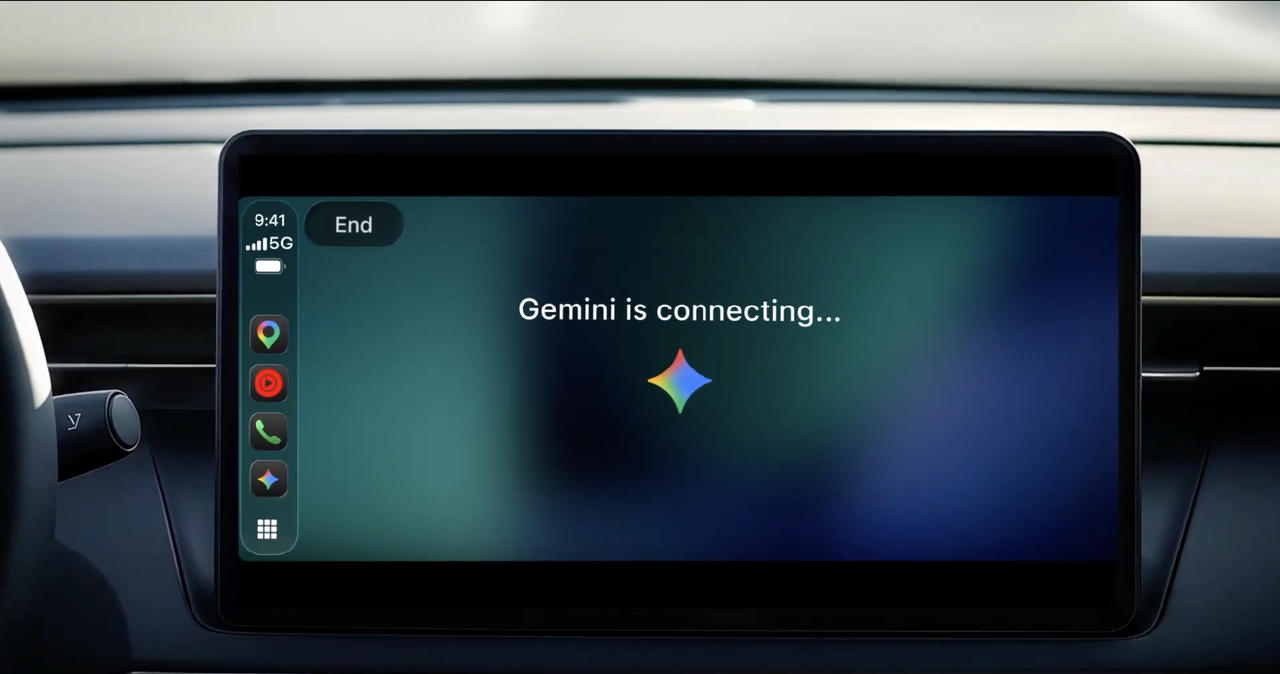
Google brings its Gemini chatbot app directly to Apple CarPlay
Drivers can now talk hands-free to Google's AI assistant while driving, without needing to open Google Maps first.

Related stories
 The weekThis Week in AI Vulnerability, Tools, and BubblesHerald of AI
This Week in AI Vulnerability, Tools, and Bubbles
Chatbots cracked under kindness, stock fears grew, and open-source alternatives kept popping up.
 How it worksGoogle Will Block Search for Schools That Ban AIHerald of AI
Google Will Block Search for Schools That Ban AI
Schools that try to block artificial intelligence will lose access to Google Search, the main tool students use to find information online.
 How it worksChrome can now pull info from your Gmail to fill out online forms automaticallyHerald of AI
Chrome can now pull info from your Gmail to fill out online forms automatically
Google's AI-powered Autofill in Chrome can scan your Gmail for details like order numbers, addresses and flight info, so you don't have to type them in.
 Made with AIDragon Quest creator makes game with AI in 30 minutesHerald of AIWilliam Tung from USA, CC BY-SA 2.0, via Wikimedia Commons
Dragon Quest creator makes game with AI in 30 minutes
Yuji Horii says generative AI lets even non-programmers build a playable game alone.