Chrome can now pull info from your Gmail to fill out online forms automatically
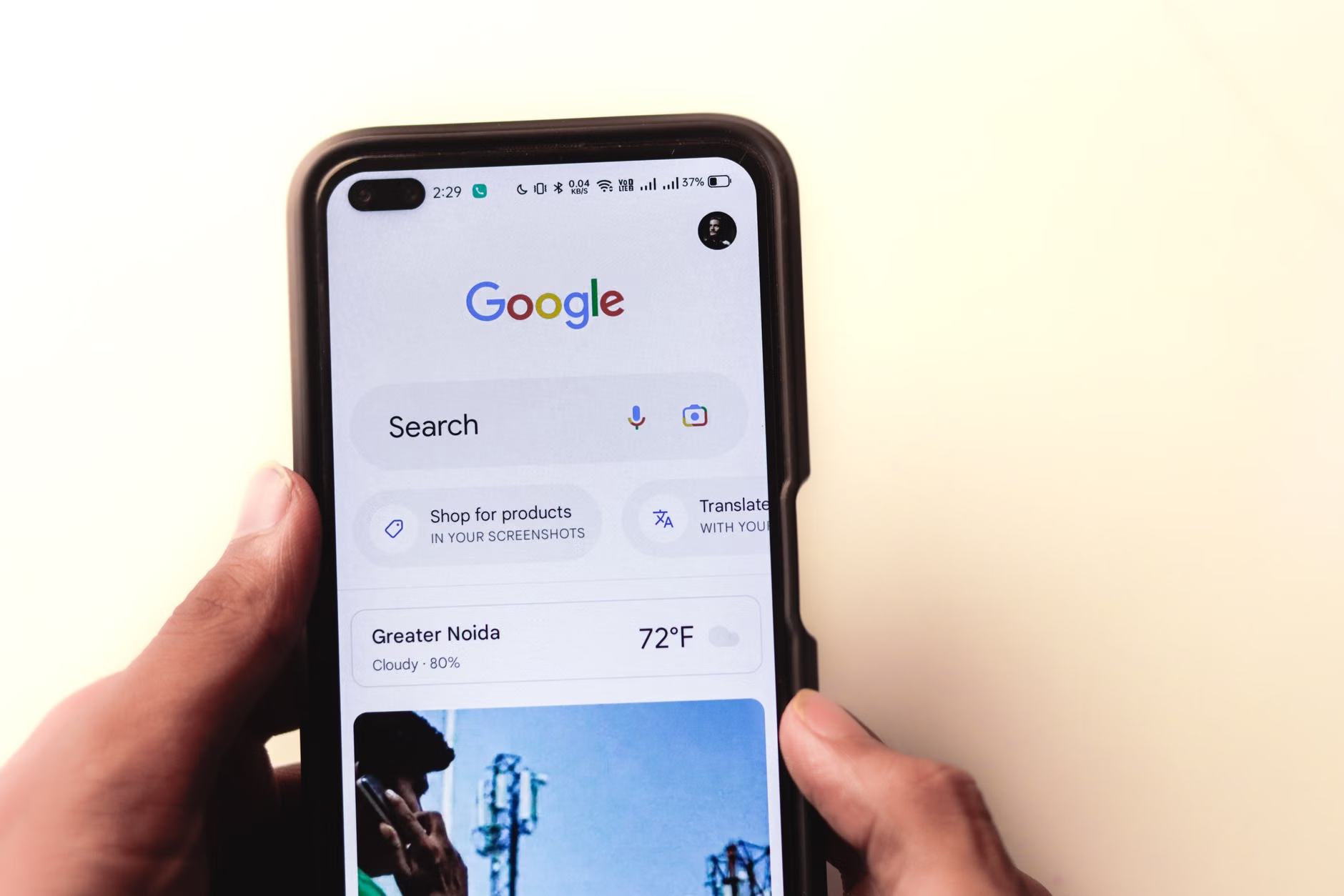
Google's AI-powered Autofill in Chrome can scan your Gmail for details like order numbers, addresses and flight info, so you don't have to type them in.
- Why it matters: It cuts down the time you spend typing the same address, order numbers and phone numbers into websites — something you probably do every week.
- Words to know: Autofill: a tool that fills in web forms with saved information so you don't have to type it every time · Gmail: Google's email service where you receive messages.
What's changing
Chrome is getting smarter about filling out online forms. Instead of only using information you've manually saved before, the new version can look inside your Gmail messages to find details you need. That includes things like flight confirmation numbers, membership IDs, package tracking numbers, order numbers, your address, phone number or even credit card information.
The idea is simple: if you've already received that information in an email, Chrome can find it and suggest it when a website asks for it. Think of it like having a personal assistant who reads your mail and hands you the right answer when a form needs it.
How it works
This update builds on something Google already calls Personal Intelligence — a system that lets you connect your Google Apps to its AI assistant, Gemini, so it can pull details from your account and answer complex questions using that information 1. The Autofill expansion is part of that same effort, just applied to web forms instead of conversations.
Google says sensitive data is encrypted, and you choose whether or not to turn the feature on in your Chrome settings — it's not forced on everyone 1.
Where to find it
The new Autofill is rolling out right now to users in the United States on the desktop version of Chrome, as well as on iOS and Android through the Gemini app inside Chrome 1. It's a gradual rollout, so not everyone will see it at once.
It's worth noting that Google isn't the only company thinking about making browsers more helpful this way. Apple already has a feature people love: when a site asks for a verification code from a text message, the code pops up automatically above your keyboard so you can tap it once instead of copying and pasting 1. Chrome's new move is a similar idea, but for all the random information websites keep asking you to type in by hand.
For people who use Chrome and Gmail as their main browser and email, this is a small change that could save you minutes every day — and give Google another reason to keep you inside its ecosystem 1.
What's next
No word yet on when the feature will expand outside the U.S., or how it will work for people who use a different email provider. Google said the update started rolling out on Wednesday, October 28, 2026.
Corrections and updates
- Corrected on 29 October 2026. An earlier version of this story included details its sources do not support. They have been corrected or removed.
Key facts
- Chrome's AI Autofill can now search Gmail for form data like addresses, order numbers and flight confirmations
- The feature builds on Google's Personal Intelligence system and Gemini AI assistant
- Users can enable or disable it in Chrome settings; sensitive data is encrypted
- - Rolling out to U.S. users on desktop Chrome, and in the iOS and Android apps for Gemini in Chrome
- Launch date: October 28, 2026
Sources
Related stories
 The weekThis Week in AI New Models Flood In and Agents Get SaferHerald of AI
This Week in AI New Models Flood In and Agents Get Safer
Big open-weight releases, speed breakthroughs, and a push to make AI agents more reliable and secure.
 How it worksGoogle opens TorchTPU, a native PyTorch backend for cloud TPUsHerald of AIhttps://github.com/soumith, CC BY-SA 4.0, via Wikimedia Commons
Google opens TorchTPU, a native PyTorch backend for cloud TPUs
A new open-source stack lets developers run PyTorch models directly on Google's TPU chips, replacing the older PyTorch/XLA system.
 New modelsGemini 4 Argon Tries Its Hand at StarCraft Bot CodingHerald of AI
Gemini 4 Argon Tries Its Hand at StarCraft Bot Coding
Google's new model ranks third in a benchmark where AI systems write bots for the classic real-time strategy game.
 New modelsGoogle says Gemini 4 Argon helped Chrome engineers do months of work in weeksHerald of AI
Google says Gemini 4 Argon helped Chrome engineers do months of work in weeks
Google DeepMind says its latest model helped Chrome engineers finish a months-long refactor in weeks.