Songe learns from how you use your local AI, quietly adapting it overnight
A new open-source tool runs in the background and trains your own AI model from practice scenes generated using your conversations — all on your computer.
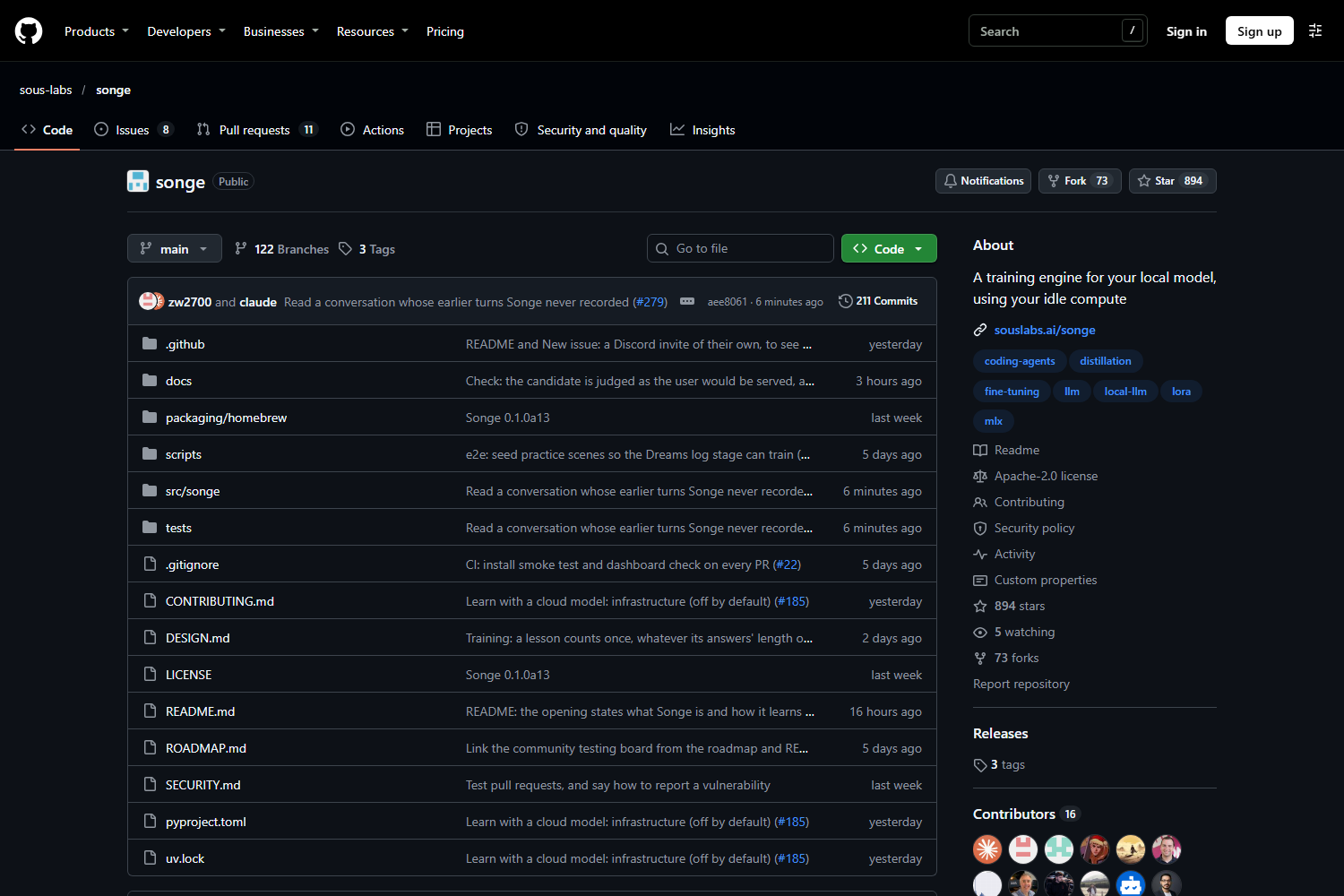
A program that silently trains your local AI overnight using practice scenes from your conversations, all on your own computer.
- Watches your AI conversations while you work
- Trains only when you are away and computer is free
- Creates practice scenes and trains an adapter from them
- Checks results and keeps only clearly improved versions
How Songe works
Most people who run AI models locally do so through tools like LM Studio, Ollama, or [vLLM]. You type a question, get an answer, maybe correct the model or switch tools. Songe runs alongside these tools in the background and watches what happens after each response — the tool result, any error messages, your next prompt — while you work, then only begins training when your agent has been quiet.
The key idea is timing. Songe only trains when your agent has been quiet for a while, your computer has free memory, and the battery is fine. As soon as you return to working, it stops immediately.
When training does happen, one of two things occurs. A "Quick Dream" takes just minutes: it reads your stated preferences and adds them directly to the model's instructions. A "Deep Dream" can take an hour or more and actually trains a small adapter onto the model itself.
What gets learned
Songe looks for moments in your conversations that teach something useful — your corrections, rules you state explicitly, retry attempts, and tool errors. But your actual conversations are never trained on directly.
Instead, for each lesson, the system writes short practice scenes using the same tools your agent uses. These practice scenes then train the model through a technique called on-policy distillation: the original model acts as the teacher, showing the lesson; the adapted version is the student, practicing only from the scene. Earlier skills are rehearsed repeatedly so they are not forgotten during training.
After training, a judge compares answers at the exact moments you previously reacted — was the old version better? Does the new version stay healthy? The new version is used only if it clearly improves on what happened before, doesn't break things that already worked, and keeps its answers appropriate. If it fails any check, it is discarded and the previous version stays 1.
Without Songe, with Songe
All facts from the Songe story description
Privacy and control
By default, Songe runs entirely offline. No account is required, no telemetry is sent, and nothing leaves your machine. There is an optional cloud setting — "songe cloud" — that lets the nightly Dream consult a cloud model of your choice, but with your secrets redacted and only up to a nightly budget. Even then, Songe never runs your tools in the cloud 1.
You can undo a Quick Dream instantly, removing one preference at a time. For Deep Dream, you can roll back to any earlier version with a single click 1.
Where Songe runs
The tool supports Apple Silicon Macs via MLX and NVIDIA or AMD graphics cards via PyTorch. Machines without a GPU can still serve and record conversations, but cannot perform training. Tested model servers include LM Studio, vLLM, Ollama, llama.cpp, and mlx-lm. Agents supported out of the box are opencode and pi, though any OpenAI-compatible tool should work 1.
Installation is done through Python package managers like uv or pipx, with a Homebrew tap also available for macOS users. Running songe init discovers your existing model server and agents, shows what changes will be made, and asks once before proceeding 1.
Key facts
- - Songe trains your local AI model using practice scenes derived from your real conversations (your actual conversations are never trained on), not pre-built datasets
- Runs only when your computer is idle — stops the moment you return
- Two training modes: Quick Dream (minutes, updates instructions) and Deep Dream (hours, trains an adapter)
- - Completely private by default; cloud use is optional with redacted data and a nightly budget
- Works on Apple Silicon (MLX), NVIDIA, and AMD (PyTorch); requires a GPU for training
Sources
If this story concerns you or your company, or uses something that belongs to you, ask for a correction or for it to be taken down. How requests work
Keep reading
 Apps and productsSessionGraph shows every AI coding session in one graph on your computerHerald of AI
SessionGraph shows every AI coding session in one graph on your computer
If you use more than one AI coding tool, you can now search and browse all your conversations across them in a single local app that never sends data to a server.
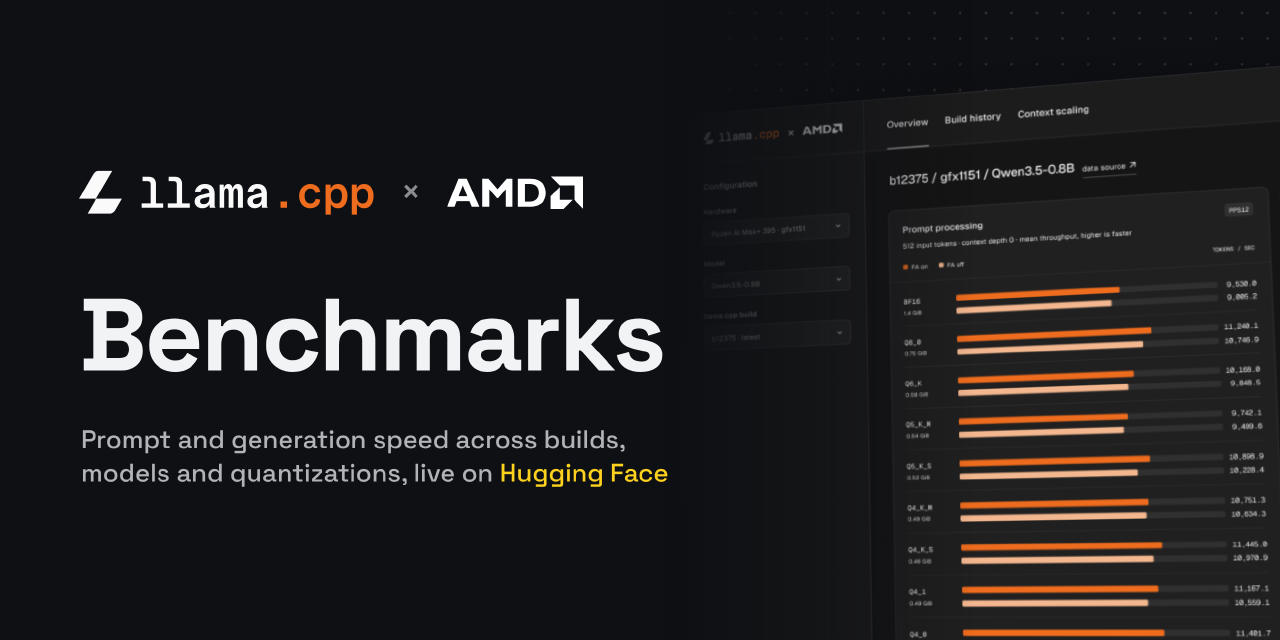 Apps and productsNew AMD dashboard shows exactly how fast your PC can run AI modelsHerald of AI
New AMD dashboard shows exactly how fast your PC can run AI models
A public tool lets anyone pick an AMD chip, a model, and a version, then watch in real numbers how quickly it reads a prompt and writes the answer — no guesswork.
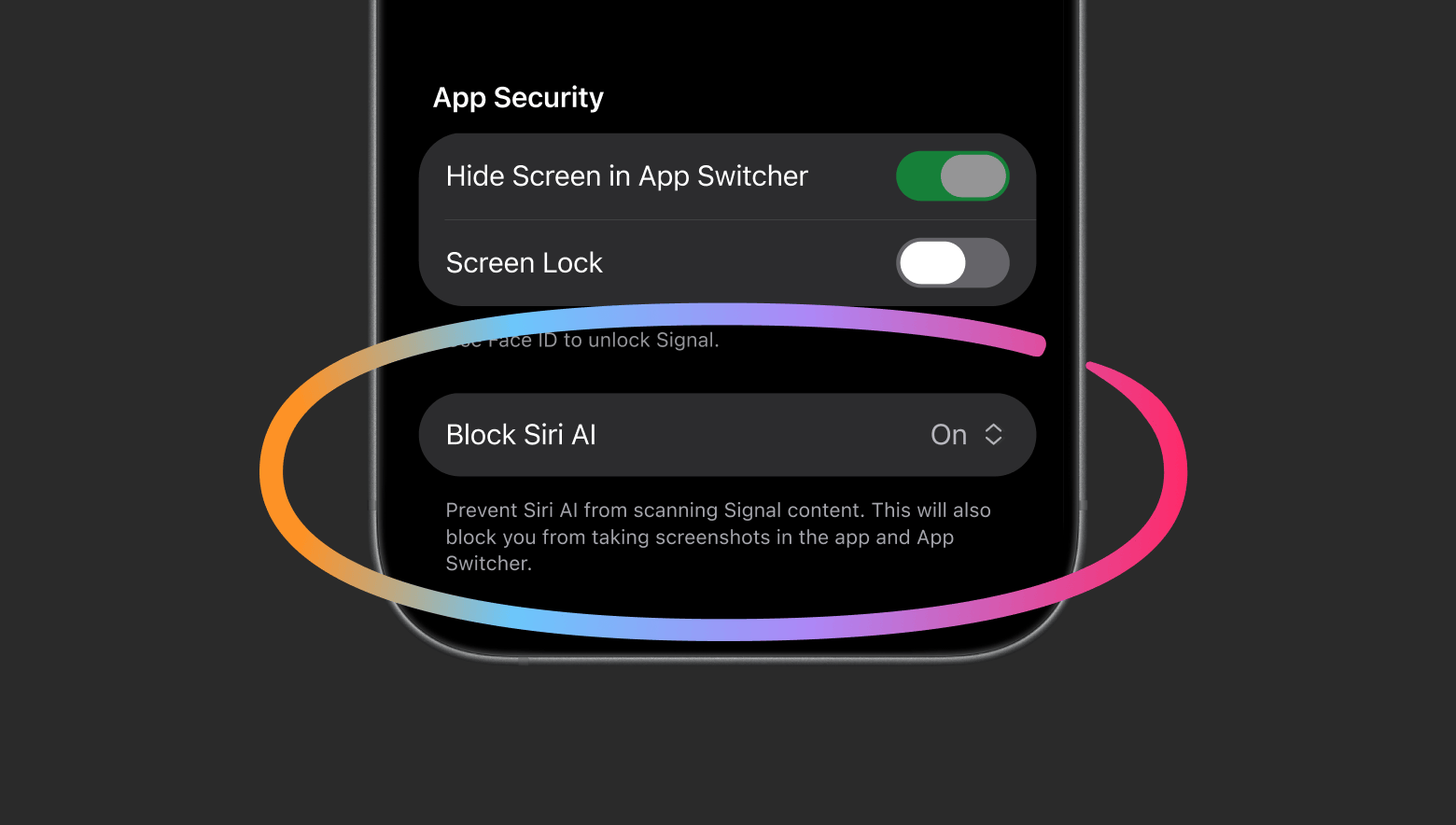 Apps and productsSignal now blocks iPhone and Android AI assistants from reading your chat screensHerald of AI
Signal now blocks iPhone and Android AI assistants from reading your chat screens
New screenshot and screen-reading protections stop Siri and Gemini from capturing private conversations — but you can turn it off.