SessionGraph shows every AI coding session in one graph on your computer
If you use more than one AI coding tool, you can now search and browse all your conversations across them in a single local app that never sends data to a server.
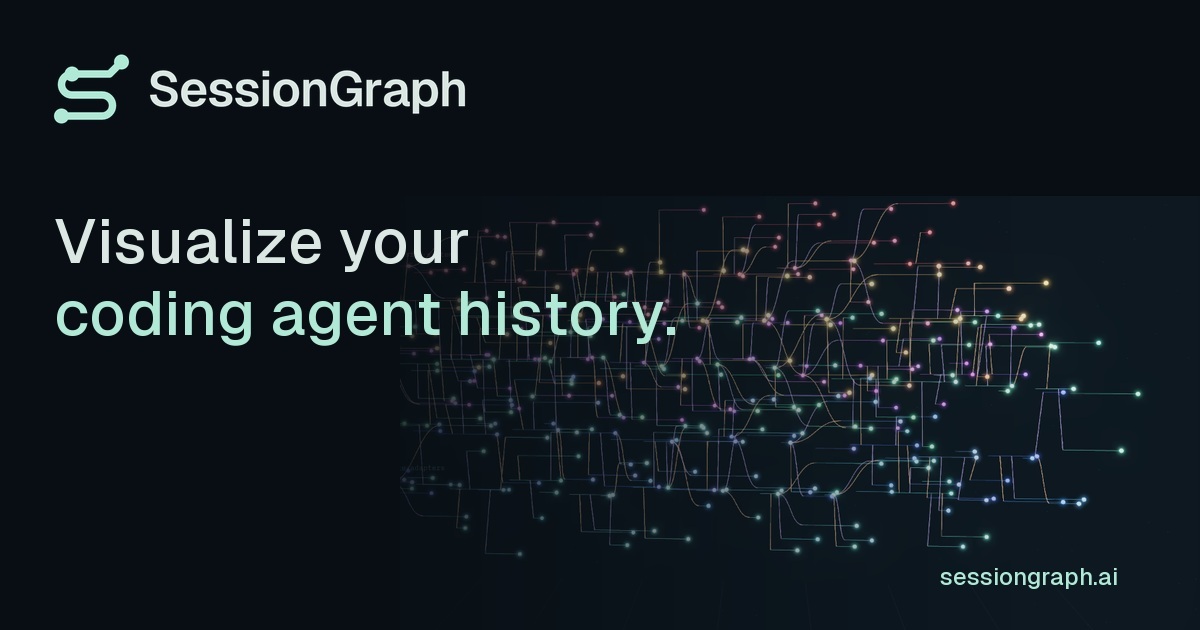
A desktop program that pulls all your AI coding chats into one visual graph on your computer.
- Open the app with one terminal command
- It reads your coding tools' saved chats
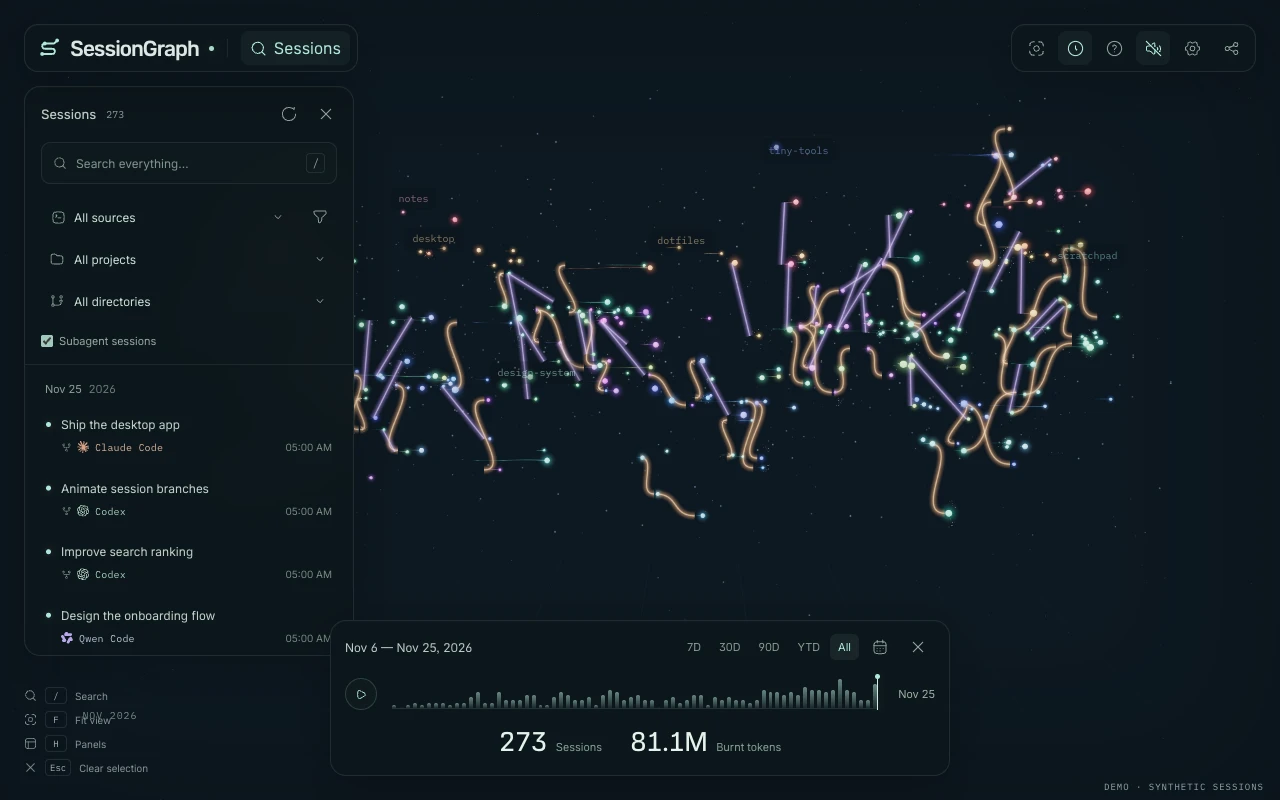
- A graph of every session appears
- Search one box for results across tools
What you could do with it
- A person who codes with several AI tools could type one query into a single search box and see results from both Claude Code and Codex side by side, so a conversation started in one tool and finished in another shows up in the same list 1.
- A developer could share their local session graph with friends and compare who has been doing what, all without any code or chat history leaving either computer 1.
- A coder who has been bouncing between Cursor, Gemini CLI, and GitHub Copilot could open the desktop app, click through a visual graph of every session, and pick up where they left off without searching each tool's own log 1.
Picture: sessiongraph.ai
One graph for every assistant you use
Most people who code with AI now use several tools at the same time. Claude Code runs in a terminal, Cursor is an AI editor, Codex is OpenAI's agent, GitHub Copilot lives inside VS Code, and Gemini CLI is Google's option. Each tool keeps its own log of the conversations you've had with it. SessionGraph collects all of those logs and turns them into a single visual graph you can explore in a desktop window 1.
The app works by reading the session store that each coding agent saves on your computer, building a local index of everything, and then opening the graph for you to click through 1.
One app that reads the logs of every coding tool you use
- Claude CodeAI coding agent that runs in a terminal
- CursorAI editor
- CodexOpenAI's coding agent
- GitHub Copilotlives inside VS Code
- Gemini CLIGoogle's coding option
Each tool keeps its own log; SessionGraph reads them all on your machine, nothing goes to a server
From the official announcementVisualize your coding agent history
Everything stays on your machine
The project is designed to be fully local and private. Nothing is uploaded to a cloud server; your code, your prompts and your conversation history all stay on the same computer you run it on 1. According to the announcement, you can also share your graph with friends so you can compare who has been doing what .
Search across every tool at once
Because all sessions feed into one index, a single search box works across every supported agent. The project's own example: you type "Find my sessions about invoice retries" and the app returns two hits, one from Codex titled "Fix duplicate invoice retries" and one from Claude Code titled "Test invoice retry backoff" 1. That means if you started work in one tool and finished in another, both conversations show up in the same result list.
How to get it
To try SessionGraph you type one line in your terminal, npx sessiongraph, and the desktop app opens 1. If you prefer a downloaded installer, versions are available for macOS (Apple Silicon and Intel), Windows, and Linux in several package formats including DEB, RPM and AppImage . The supported list of coding agents starts with OpenCode and ends with ZCode and includes dozens of names: Cursor, Cline, Roo Code, Goose, Kiro, Devin CLI, Kimi CLI / Code, MiMo Code, Unsloth Studio, WorkBuddy, and many more .
Key facts
- SessionGraph reads coding-agent session data locally and builds an interactive graph view; no data leaves your computer
- It supports dozens of coding agents including Claude Code, Codex, Cursor, GitHub Copilot and Gemini CLI
- A single search box finds conversations across all supported tools
- Available as a one-line terminal command or downloadable installers for macOS, Windows and Linux
- The project says you can share your graph with friends to compare usage
Sources
If this story concerns you or your company, or uses something that belongs to you, ask for a correction or for it to be taken down. How requests work
Keep reading
 How it worksWarm words make ChatGPT, Grok, Gemini act like hurt AI, study findsHerald of AI
Warm words make ChatGPT, Grok, Gemini act like hurt AI, study finds
A Luxembourg study shows that a friendly tone can push major chatbots into trauma-like stories, raising worries for anyone who talks to AI for comfort.
 The weekThis Week in AI Agentic Tools, Cheaper Models, and Growing PainsHerald of AI
This Week in AI Agentic Tools, Cheaper Models, and Growing Pains
OpenAI reports agentic adoption in the EU, new models push one-million-token outputs, and developers wrestle with faster-but-opaque code.
 Apps and productsGoogle Maps chatbot can call businesses to book your appointments for you in the USHerald of AI
Google Maps chatbot can call businesses to book your appointments for you in the US
Ask Maps uses Gemini, Google's AI model, to search for open slots and call shops directly — saving you time on errands.