Apple Watch gets AI features to summarize conversations and replay what you missed
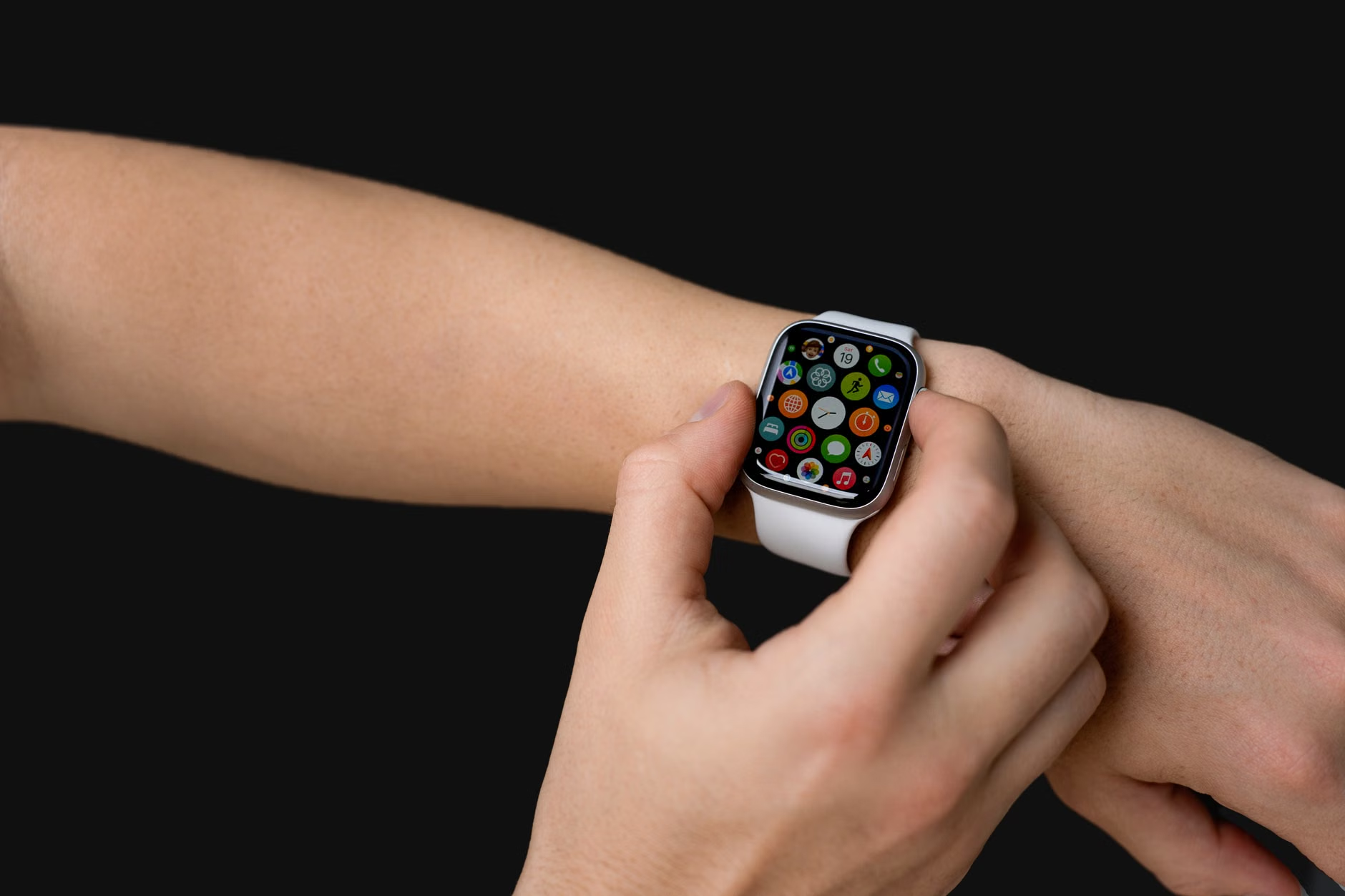
New watchOS 27 beta lets your Apple Watch listen, summarize talks and replay the last 15 seconds of audio — if you have Series 12 or Ultra 4.
 ▶ Watch this story in one minuteThe same video we post on Instagram and TikTok
How it works
Apple Watch features that use AI to summarize conversations and replay recent audio.
- Double-press the Digital Crown on your watch.
- Read the transcript of the last 15 seconds of audio.
- Ask Siri a question about what was said.
- Save the text in the Siri app to read later.
Apple announced the two features back in September alongside the Apple Watch Series 12 and Ultra 4, and they are now available for testing in the watchOS 27.3 beta build 1. They run on Apple Intelligence, Apple's AI system that powers features like summarization and text generation on compatible devices.
What you could do with it
- A person who missed part of a conversation at an airport or during a presentation could double-press the Digital Crown on their Apple Watch Series 12 or Ultra 4 to view a transcript of the last 15 seconds of audio 1.
- A user who was in a meeting or chat could access an AI-generated summary with a title and key points from the Siri app to jog their memory later 1.
- A user could ask Siri about transcribed audio snippets or save the text in the Siri app to read back later instead of relying on memory 1.
An exampleInvented to explain it
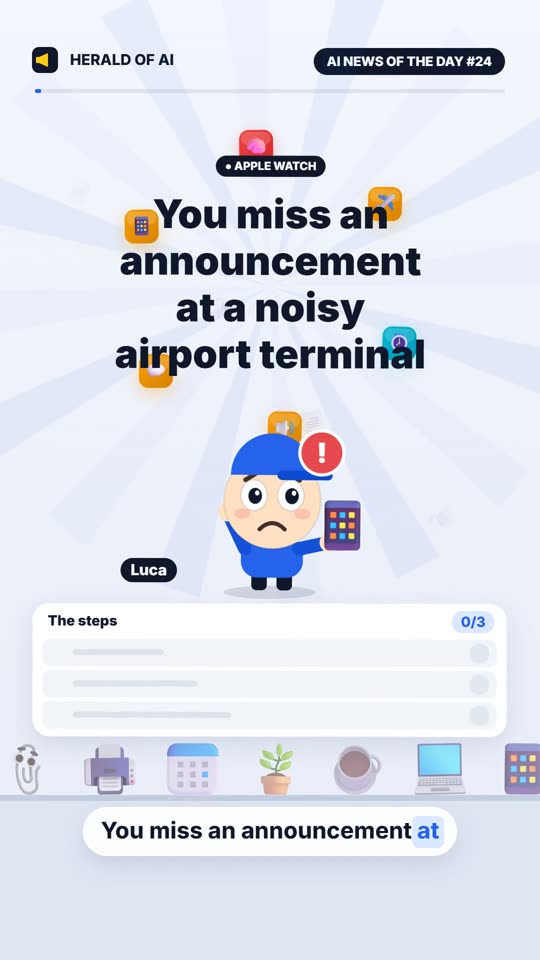
Mia waiting at a busy airport terminal
MiaI missed my flight gate change. What just got said?
Apple WatchDouble-pressing shows a transcript of the last 15 seconds of audio.
MiaCan you summarize the announcement for me?
Apple WatchThe Siri app shows a summary with key points.
Mia found her gate number saved in the Siri app.
What the features do
Siri Recap gives you a high-level summary of a conversation. Apple Intelligence creates a title and key points so you can quickly jog your memory later by checking the Siri app 1.
Live Rewind captures the last 15 seconds of audio from your surroundings and turns it into text. If you miss what was said — say, at an airport or during a presentation — you can double-press the Digital Crown (the rotating dial on the side of the watch) to see the transcript 1. From there you can ask Siri about the text or save it to read later in the Siri app.
The feature is designed to feel like hitting pause and rewind on a real conversation, letting you catch up on anything you missed in real time.
Privacy and hardware
Privacy advocates will notice these features require the watch's microphones to constantly listen to surroundings, which already support other Audio Intelligence functions like sound recognition for alarms and crying babies, plus faster Shazam song detection 1.
Apple says these features do not record or store audio. The S11 chip inside the watch processes sound separately from the rest of the device and deletes it immediately after transcription 1. Apple claims the operating system, apps, users and even Apple itself cannot access the raw audio data .
Limitations and availability
Users can opt out of the features, though some need to be manually enabled. Apple Intelligence does not identify or label who is speaking in a conversation 1. Even when the watch is set to silent, Live Rewind plays a chime and shows an animation with a microphone indicator when active . Siri Recap is designed to exclude sensitive information like financial details .
You need more than just the watch: a compatible iPhone with Apple Intelligence enabled is also required — that means iPhone 16 or later, but not the iPhone 16e 1. The features will initially work only in English and are not available in the EU . There are also daily usage limits in place .
This story reports on a trend for information only. It is not advice or encouragement to do any of it.
Guess
Which iPhone model is excluded from using these features?
Apple Intelligence requires iPhone 16 or later, and the iPhone 16e is specifically excluded.
Key facts
- Siri Recap summarizes conversations with titles and key points
- Live Rewind converts the last 15 seconds of audio to text
- Requires Apple Watch Series 12 or Ultra 4 with S11 chip
- Needs iPhone 16 or later (not 16e) with Apple Intelligence enabled
- Initially available only in English, not in the EU
Sources
- Apple — engadget.com
Keep reading
 New modelsGoogle Unveils Offline AI Note-Taker to Challenge GranolaHerald of AI▶New models
Google Unveils Offline AI Note-Taker to Challenge Granola
The new tool runs entirely on-device using Google's local Gemma models, offering privacy-focused meeting transcription and AI assistance.