Apple lets iPad users try new Siri camera AI before the official update
You can point your iPad at something and ask Siri what it is — available now as a free beta for eligible tablets.

How it works
A new iPad camera feature called Visual Intelligence that uses Siri AI to identify and explain anything you point the camera at
- Open the Camera app and tap the Siri tab
- Point your iPad at something or circle it with Pencil
- Ask Siri a question about what you see
- Siri gives you an instant answer using the camera
Guess
Can you use Visual Intelligence without being connected to the internet?
The feature explains items instantly using what the camera sees, with no internet search required.
What you could do with it
- A user could point their iPad at a bird and ask Siri what kind it is, receiving an instant explanation based on what the camera sees 1.
An iPad user can take a picture of something, draw a circle around it with the Apple Pencil, and then ask Siri AI for additional information about that object.
- Someone could open the Camera app on an eligible iPad and tap the new Siri tab to explore items around them without running an internet search 1.
An exampleInvented to explain it
Maya, taking a walk in a park with her iPad
MayaWhat kind of bird is that?
SiriThat looks like a red-winged blackbird. It has distinctive yellow shoulder patches.
MayaWhere do they usually live?
SiriRed-winged blackbirds prefer wetland areas near reeds and bushes. They nest close to water.
MayaAre they protected?
SiriYes, they are protected under the Migratory Bird Treaty Act in the US and Canada.
Maya learned about the bird without leaving her bench or searching online.
What the upgrade does
The new feature is called Visual Intelligence, and it currently works on iPhones. Starting with iPadOS 27.3, it will come to compatible iPads 1.
When you open the Camera app, you'll find a new Siri tab alongside the usual Photo, Video, and Portrait modes. Point your iPad at anything and ask Siri a question about it — for example "what kind of bird is that?" or "where was this painting made?" — and it answers using what the camera sees 1.
There's one thing iPads can do that iPhones can't: you can use the Apple Pencil to circle an object in the frame and ask Siri about just that part. It works similarly to Google's Circle to Search feature on Android phones 1.
To try it now, you don't need to wait for the official release. Apple launched the first beta of iPadOS 27.3 in early November 2026 12. The public version is expected in December .
Which iPads are supported?
Not every iPad can run this. You need one of these models 1:
- iPad Pro with an M1 chip or newer
- iPad Air with an M1 chip or newer
- iPad mini with an A17 Pro or A20 Pro chip
On current versions of iPadOS, you can already access Visual Intelligence by long-pressing the Camera Control button on supported iPhones, or pressing the Action button if your iPad has one. The new Siri tab in the Camera app gives it a much easier spot to find 1.
How to install the beta
If you want to try it before everyone else, here's how 1:
- Open Settings on your iPad.
- Go to General > Software Update.
- Tap Beta Updates, then choose iPadOS 27 Public Beta.
- Return to Software Update and tap Download and Install.
Apple recommends backing up your iPad first — either to iCloud, a Mac, or a Windows PC 1. Beta software isn't finished, meaning bugs and broken apps are possible. A full backup keeps your photos, files, and settings safe if something goes wrong.
If the idea of running beta software doesn't appeal to you, that's fine. The public update should arrive any time soon 1.
Key facts
- Visual Intelligence comes to iPadOS 27.3 with a new Siri tab in the Camera app
- Apple Pencil lets you circle objects on iPads — a feature not available on iPhones
- Beta is available now; public release expected in December 2026
- Requires iPad Pro (M1+), iPad Air (M1+), or iPad mini (A17 Pro/A20 Pro)
Sources
- How to get this Siri camera upgrade for your iPad before its public release - Engadget — engadget.com
- IOS 27 — en.wikipedia.org
Keep reading
 How it worksiOS 27.3 adds smarter Siri actions, redesigned Health app and Fitness+ workoutsHerald of AI▶How it works
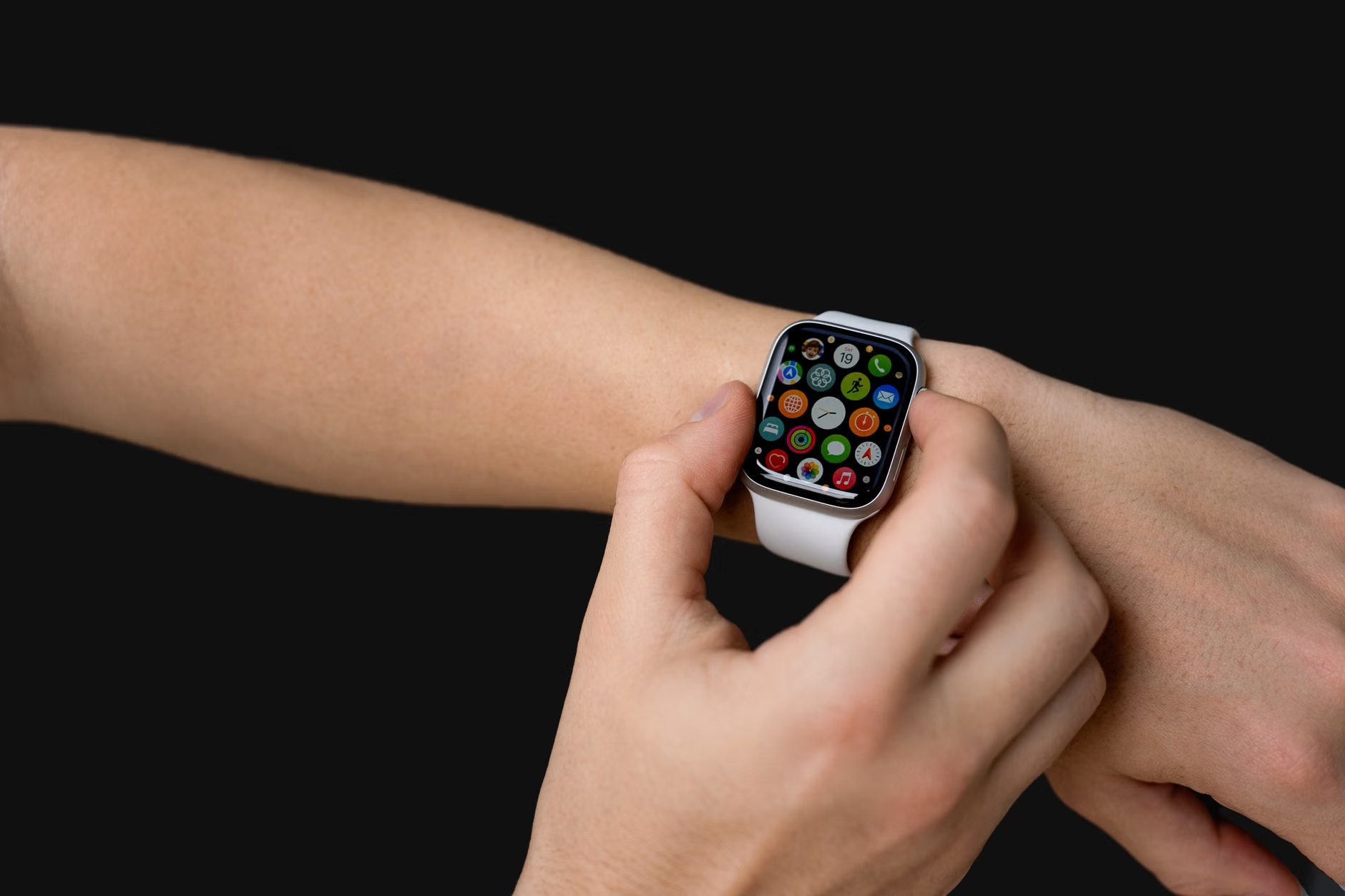
iOS 27.3 adds smarter Siri actions, redesigned Health app and Fitness+ workouts
Apple's next iPhone update makes Siri handle more everyday tasks, improves health tracking, and expands fitness plans.


Related stories
 New modelsGoogle Unveils Offline AI Note-Taker to Challenge GranolaHerald of AI▶
Google Unveils Offline AI Note-Taker to Challenge Granola
The new tool runs entirely on-device using Google's local Gemma models, offering privacy-focused meeting transcription and AI assistance.
 New modelsMeta's Muse AI Assistant Lands on iPad One Month After iPhone LaunchHerald of AI
Meta's Muse AI Assistant Lands on iPad One Month After iPhone Launch
The quick expansion shows how seriously Meta is pushing its personal AI agent across all devices.
 Made with AIGoogle opens its AI detector to everyone, worldwideHerald of AI
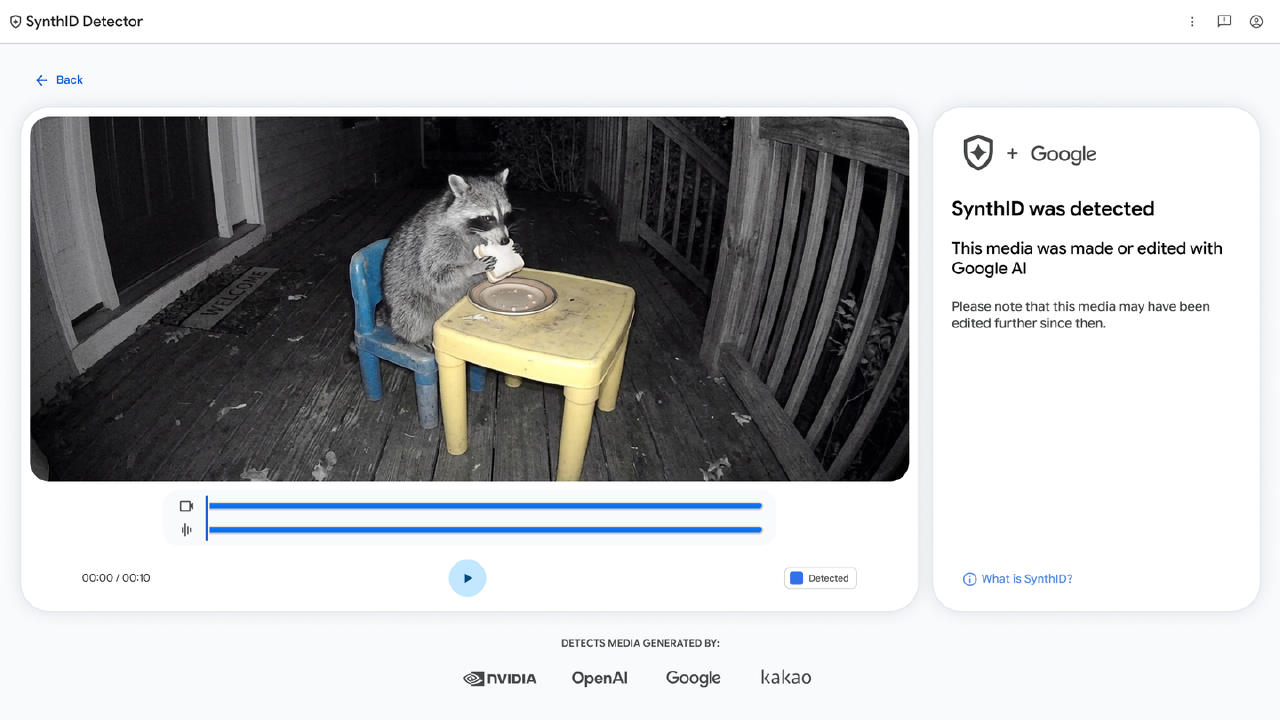
Google opens its AI detector to everyone, worldwide
SynthID Detector launches globally so anyone can check if media was made with AI from Google or partner companies.