Vercel launches UI SDK so AI coding agents can build interface widgets directly
Developers can now give AI coding agents ready-made building blocks — buttons, menus, pickers — and the agent assembles them itself instead of sending screenshots back and forth.

What you could do with it
- A developer could hand an AI coding agent a library of reusable interface behaviors — such as menus, pickers, lists, drag-and-drop, keyboard navigation and type-ahead search — and let the agent snap those pieces together into working components without writing the logic by hand 1.
- A software team could replace screenshot-and-click automation with a shared set of UI controls that agents reach into directly, letting them rename projects, update permissions or change notifications inside the app itself 1.
- An engineering organization could let agents approve or block actions through a simple callback, while still seeing every change flagged as agent-made so humans keep oversight over automated UI updates 1.
What the SDK does
UI SDK is not a bag of finished buttons and cards. It is a set of behaviors — small, reusable pieces of logic — that agents combine into whatever they need 1.
Think of it like buying individual Lego bricks instead of pre-built toy sets. One brick might be "arrow keys move through a list." Another might be "a popup stays visible while you choose." An agent grabs whichever bricks fit the job and clicks them together on the fly 1.
The behaviors live in the core package (@ui-sdk/core). Thin adapters then render them inside React, Vue, Svelte, Solid, or plain Web Components 1. You still get keyboard navigation, accessibility tags (ARIA), drag and drop, type-ahead search, multi-select with Shift and Ctrl, reordering, resizing, virtual scrolling and more — all organized into ten categories .
How agents use it
An agent learns the library from a prompt you paste into it. That prompt tells the agent where the docs live and installs a "skill" — basically a short note file — that points the agent at the SDK instructions 1. Installation is one command: npx skills add vercel-labs/ui --skill ui-sdk .
Once that is in place, the app creates a bridge with createAgent() before the page even renders 1. From there the agent can:
- Call
agent.snapshot()to see every component on the page, its current state, and what actions are available 1. - Call
agent.act()to run an action, such as renaming a project or changing a setting 1. - Pass an
allowcallback to approve or block each action, and receive a notification when the agent makes a change 1.
No screenshots, no simulated mouse movements 1.
Performance numbers
Vercel ran one benchmark: an agent had to rename a project, update member permissions, change notification settings and save 1. Both versions used Sonnet through Claude Code with the same system prompt; figures are medians of three runs .
| Metric | Browser tools | UI SDK + bridge |
|---|---|---|
| Tool calls | 16 | 5 |
| Text read | 39,800 chars | 6,800 chars |
| Time | 41 s | 16 s |
| Cost | $0.073 | $0.032 |
Tool calls dropped 69%, read volume 83%, time 61% and cost 56% 1.
These are directional, not final verdicts. The sample is one task, the browser-tools run used a different component library, and Vercel did not name the exact Sonnet version 1.
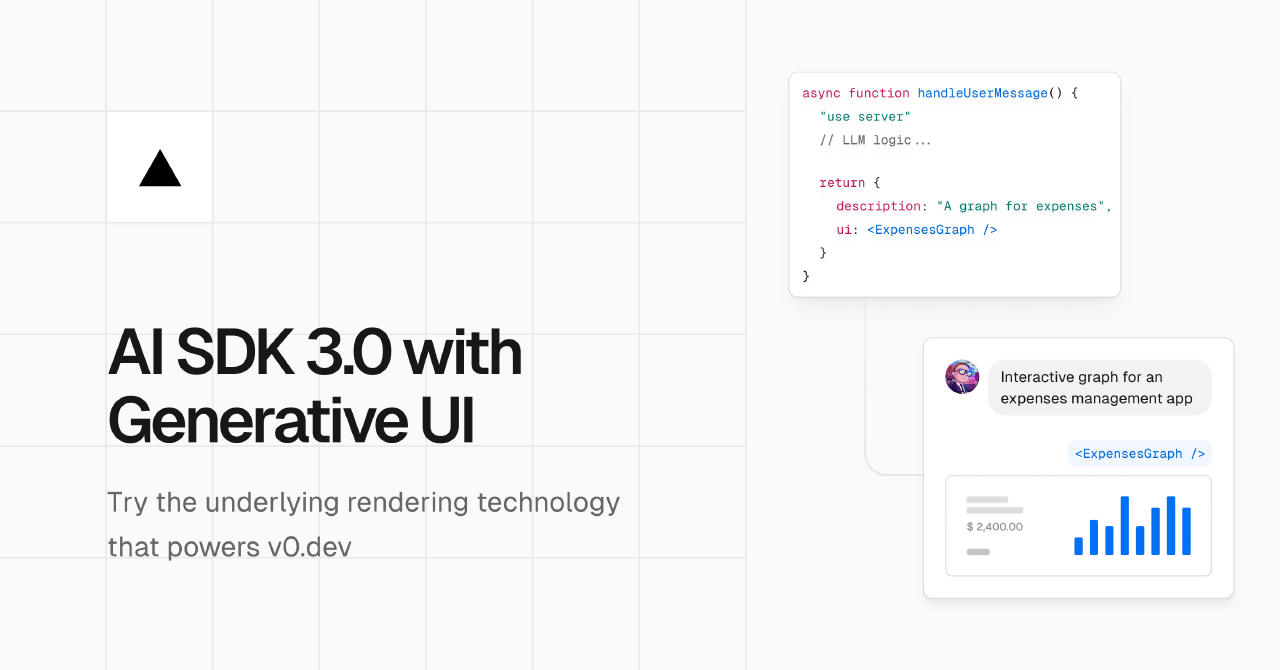
Picture: vercel.com
Availability and compare
All six packages went public on npm on November 12, 2026, under the Apache-2.0 licence, at version 0.1.0-beta.1 1. To install it, you need peer dependencies at specific versions: React must be 19 or higher, Vue must be 3.5 or higher, Svelte must be 5.33 or higher, and Solid must be version 2.0.0-rc.14 or higher . A web.css file gives the components a default look if you want it .
Compared with other headless libraries such as Radix Primitives, React Aria, Base UI and Ark UI, UI SDK's distinctive layer is the agent runtime bridge plus bundled documentation files — features those others do not currently advertise 1.
Vercel UI SDK is one of several newer approaches that separate widget behavior from framework markup and hand both to AI agents instead of leaving them to scrape a screen 1.
Related context
The shift toward agent-ready component libraries reflects a broader trend: as AI coding assistants become more autonomous, the bottleneck moves from writing code to wiring the assistant into the existing interface stack in a clean, verifiable way 1.
Key facts
- 50+ UI behaviors shipped as a headless core, with adapters for React, Vue, Svelte, Solid and Web Components
- An agent running the Vercel bridge made 69% fewer tool calls and finished a test task in 16 seconds vs 41 on browser tools
- Free under Apache-2.0; installed via npm at version 0.1.0-beta.1 since November 12, 2026
- Requires React 19+, Vue 3.5+, Svelte 5.33+ or Solid 2.0.0-rc.14+
- Agents learn the library from a pasted prompt and an npx-installed skill file, then use snapshot() and act() instead of screenshots
Sources
- Vercel Releases UI SDK: 50+ UI Behaviors for AI Coding Agents — marktechpost.com
If this story concerns you or your company, or uses something that belongs to you, ask for a correction or for it to be taken down. How requests work
Keep reading
 Apps and productsNVIDIA opens two free tools to run GPU-powered cloud computing for AIHerald of AI
NVIDIA opens two free tools to run GPU-powered cloud computing for AI
NVIDIA released its cluster-management software for free so companies can let customers rent AI-ready computers on their own graphics cards.
 Apps and productsTokenEconomizer learns from past work to cut AI coding costs by up to 30.9%Herald of AI
TokenEconomizer learns from past work to cut AI coding costs by up to 30.9%
An open-source plugin lets coding assistants remember what they learned in one project, so future tasks cost less and still succeed.
 Apps and productsOpen-source tool Coral lets AI agents save and share their own commandsHerald of AI
Open-source tool Coral lets AI agents save and share their own commands
It cuts the time and cost of AI agent work by letting them remember what they did well instead of starting over every time.